iOS Home Screen Widgets
 Steven Pal • 2 min read • October 7, 2026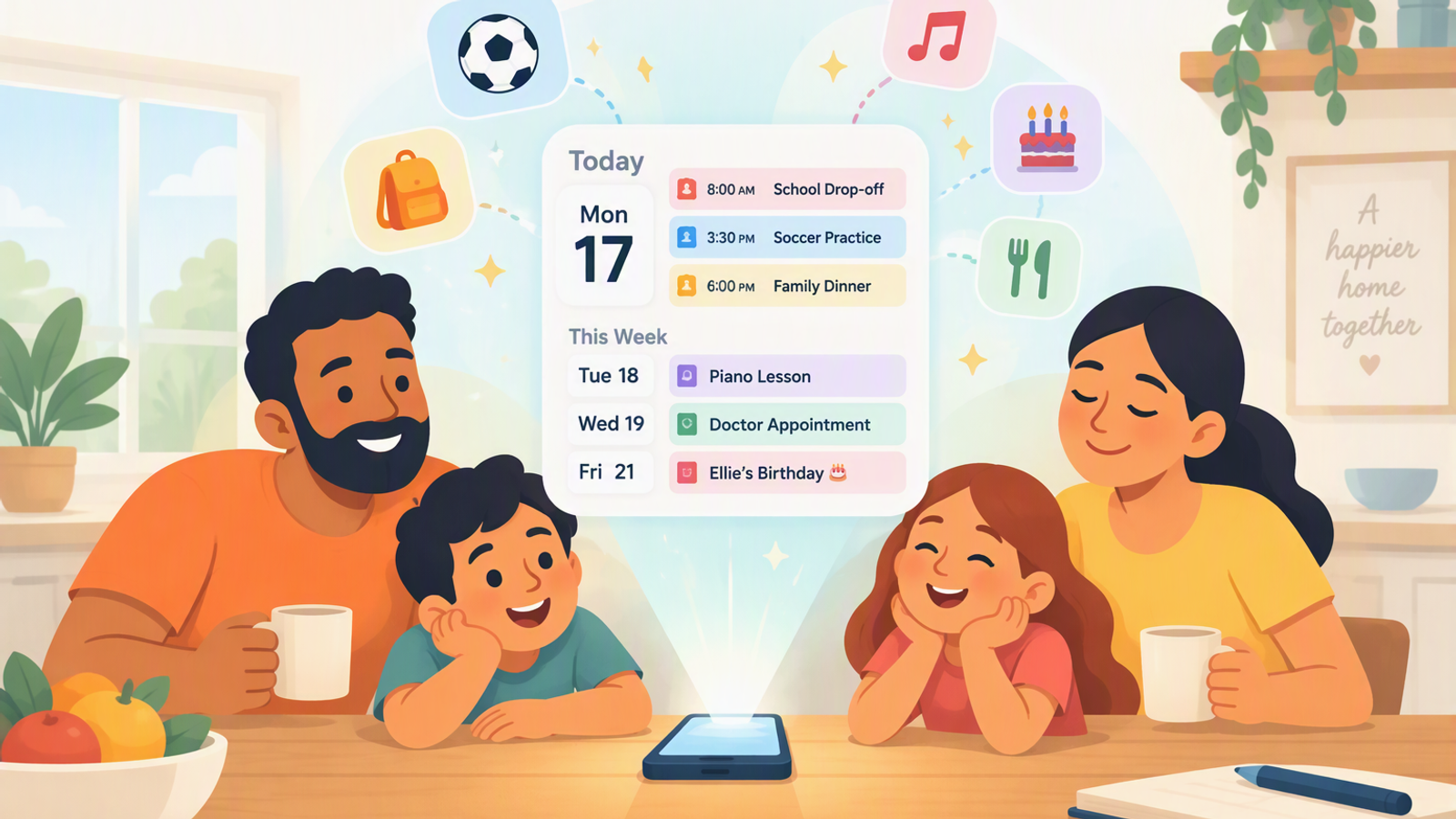
One of the most requested features from our community has been the ability to see what’s going on with your family at a glance—without even having to open the app. Today, we are incredibly excited to announce that iOS Home Screen Widgets are officially here!
Whether you’re quickly checking what’s for dinner while rushing out the door or seeing which kid has soccer practice today, you can now access your family’s plan right from your iPhone home screen.
Here is everything you need to know about this new release:
Your Family’s Day at a Glance: Today & Upcoming
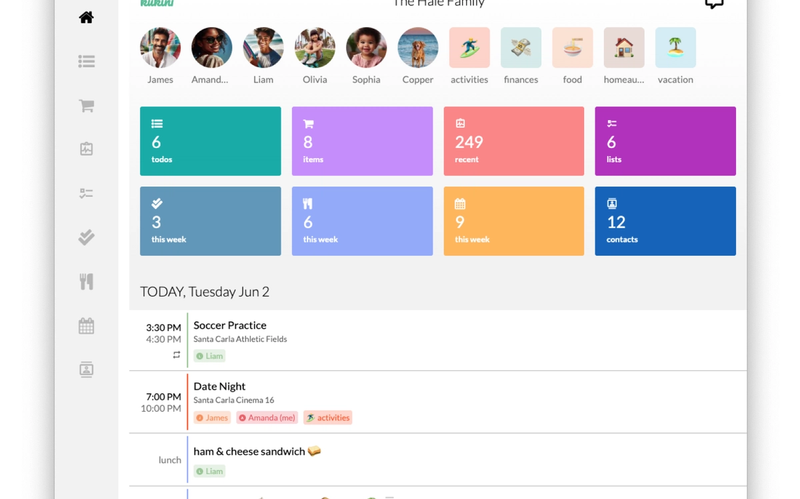
Our new Today & Upcoming widget keeps your family's schedule front and center. It pulls together today’s appointments, to-dos, chores, meals, and birthdays into one clean view, alongside what’s coming up over the next few days.
The widget updates automatically as your family uses Kukini throughout the day and rolls over to the next morning on its own, so you’re always starting the day with an up-to-date plan.
Tailored to Your Screen: Medium & Large Sizes
We know everyone’s home screen layout is a little different, so we built two distinct sizes to fit your setup:
- Medium Widget: Ideal if you just want a quick, clean snapshot of today’s plan.
- Large Widget: Perfect if you want the full picture—showing today’s schedule right alongside upcoming events for the next few days.
How to Get Started
Setting up your new widget takes just a few seconds:
- 1) Update to the latest version of Kukini on iOS.
- 2) Open the app and head to Settings > Widgets for a quick guide on adding it to your Home Screen.
We are always working to make managing family life just a little bit easier, and we can’t wait to hear what you think of this new way to stay on top of your day. Add your widget, take a look around, and let us know your thoughts!